How it works
Overlay is a secure access layer, not a replacement.
Overlay provides secure, auditable access to building systems and operational networks without changing how those systems are deployed today. It integrates with the VPNs, remote tools, and protocols your engineers already use.
30-second explainer
At the heart of Overlay are connectors - lightweight, containerised services that connect to the site networks they need to reach.
Each connector:
- Has access only to the specific network it is configured for
- Is isolated from other connectors and customers
- Has no inbound access from the internet
Connectors initiate outbound-only connections over VPN tunnels, meaning:
- No firewall holes are required
- No inbound ports need to be opened
- NAT and private networks are fully supported
If a connector is disabled or removed, access stops immediately.
Architecture
The flow
Fit-in architecture, modern controls.

Fit-in, not rip-out
Overlay works with your existing connectivity model, whether you use site-to-site VPNs, mesh networks, direct RDP/HTTPS, or jump hosts.
- Connects to the same network paths your engineers already trust.
- No software installs on BMS controllers.
- No direct internet exposure.

Connectors: isolated, single-purpose access
Lightweight, containerised connectors run close to the systems they reach. Each connector is isolated, outbound-only, and scoped to specific networks.
- No inbound firewall holes required.
- NAT and private networks supported.
- Disable a connector and access stops immediately.

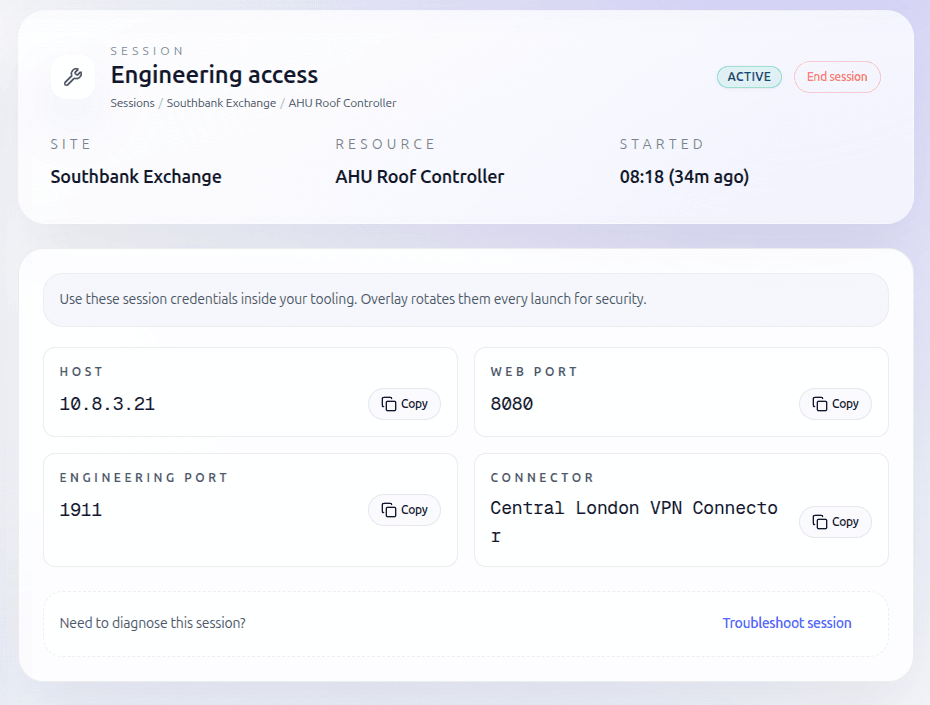
Just-in-time sessions
Overlay grants access only when a session starts. Sessions are time-bound, routes are torn down, and credentials are discarded automatically.
- No standing access.
- No forgotten VPN connections.
- No shared credentials.

Identity-based access
Overlay sits on your identity provider and enforces SSO and MFA policies you already have in place.
- Access is tied to the individual, not a shared account.
- Scope is limited to the customer or site.
- No password reuse across sites.

Protocol-native sessions
Overlay supports protocol-appropriate access so engineers keep using familiar tools with predictable performance.
- Web interfaces (HTTPS).
- Remote desktop (RDP).
- Vendor tools and TCP-based engineering protocols.

Full visibility and auditability
Every access attempt is logged, including who accessed what, when, and whether it was approved.
- Answer who touched this system instantly.
- Support customer reporting and audits.
- No digging through firewall logs.
Security by design
Least privilege, assume breach.
No standing access
Users are never on the network by default.
Strong isolation
Each connector, customer, and session is isolated from the rest.
Outbound-only connectivity
Nothing inside your network accepts inbound connections.
Short-lived credentials
Access tokens and routes expire automatically.
Immediate revocation
Disabling a user or connector terminates access instantly.
🔧 Technical details (for IT & engineering teams)
Overlay plugs into the connectivity you already use. Give Overlay secure access to the same networks your engineers use today, and it provides audited, identity-based access without new tooling.
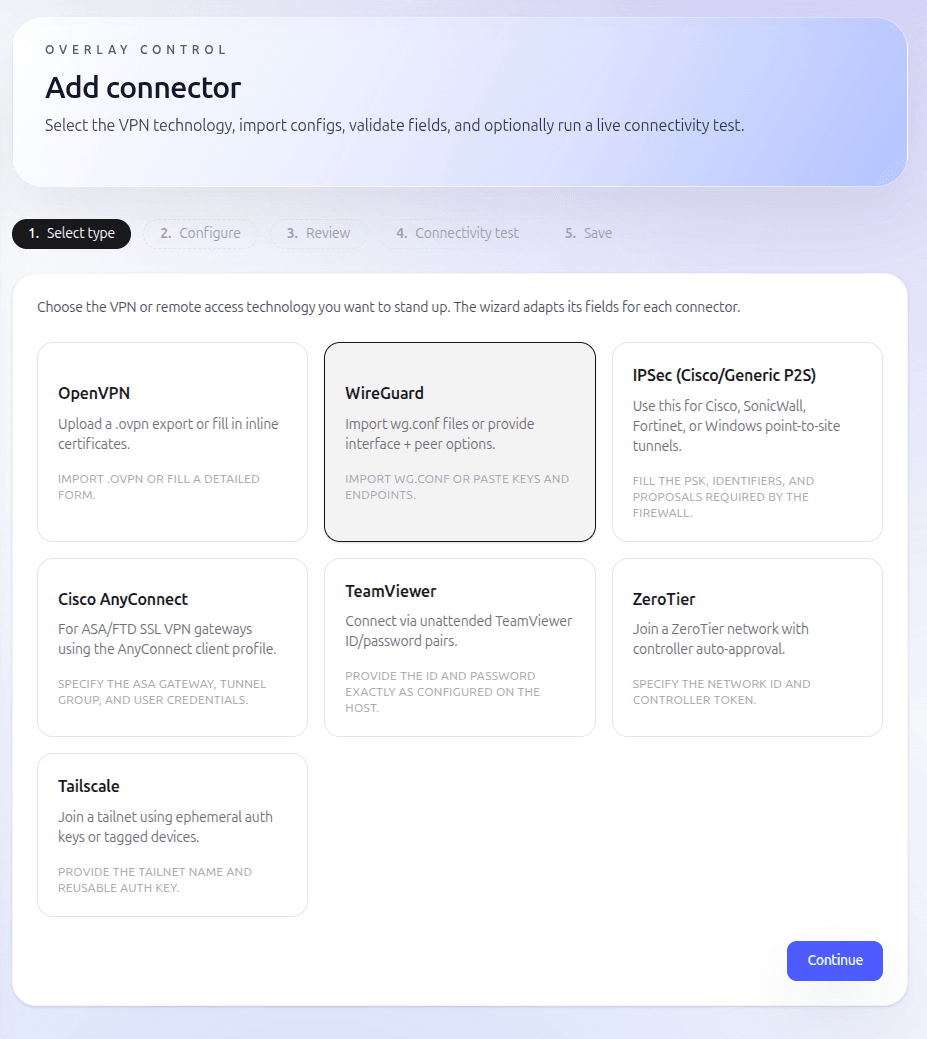
VPNs (OpenVPN / IPSec)
If you already use a corporate firewall or VPN (e.g. OpenVPN or IPSec), your sites will already be connected into a private network.
To onboard Overlay, you provide a VPN profile that allows an Overlay connector to join that network. The connector is placed into a subnet that can reach the IP addresses you want to access — for example, the hub network in a hub-and-spoke setup.
If you need stronger segregation, you can run multiple Overlay connectors, such as one per customer or network segment.
Mesh networks (WireGuard / ZeroTier)
If you already use a mesh network, onboarding is simple.
You provide the configuration needed for an Overlay connector to join the mesh — just like adding another site or device. Once connected, Overlay can reach any permitted devices on the mesh.
If you'd like to use a mesh network but don't already have one, we can supply an Overlay environment with a managed WireGuard instance pre-configured.
Remote desktop tools (RDP, VNC)
If you currently access sites using remote desktop software, Overlay can broker those connections for you.
The same applies to RDP or VNC: Overlay needs network access to the host (via VPN or mesh, as above), and the login details are entered once when the resource is created. After that, authorised users can connect with a single click.
For other remote or virtual desktop technologies, please contact us to discuss support.

Guided setup. Adapts to your network, fast.
In short
Overlay gives you modern access without disruption.
Ready to move?